
Google Business Profile Optimization: A Simple Guide for Multi-Location Businesses
Google Business Profile optimization turns a free Google listing into a steady source of calls, directions and bookings — for one location, or for ten.
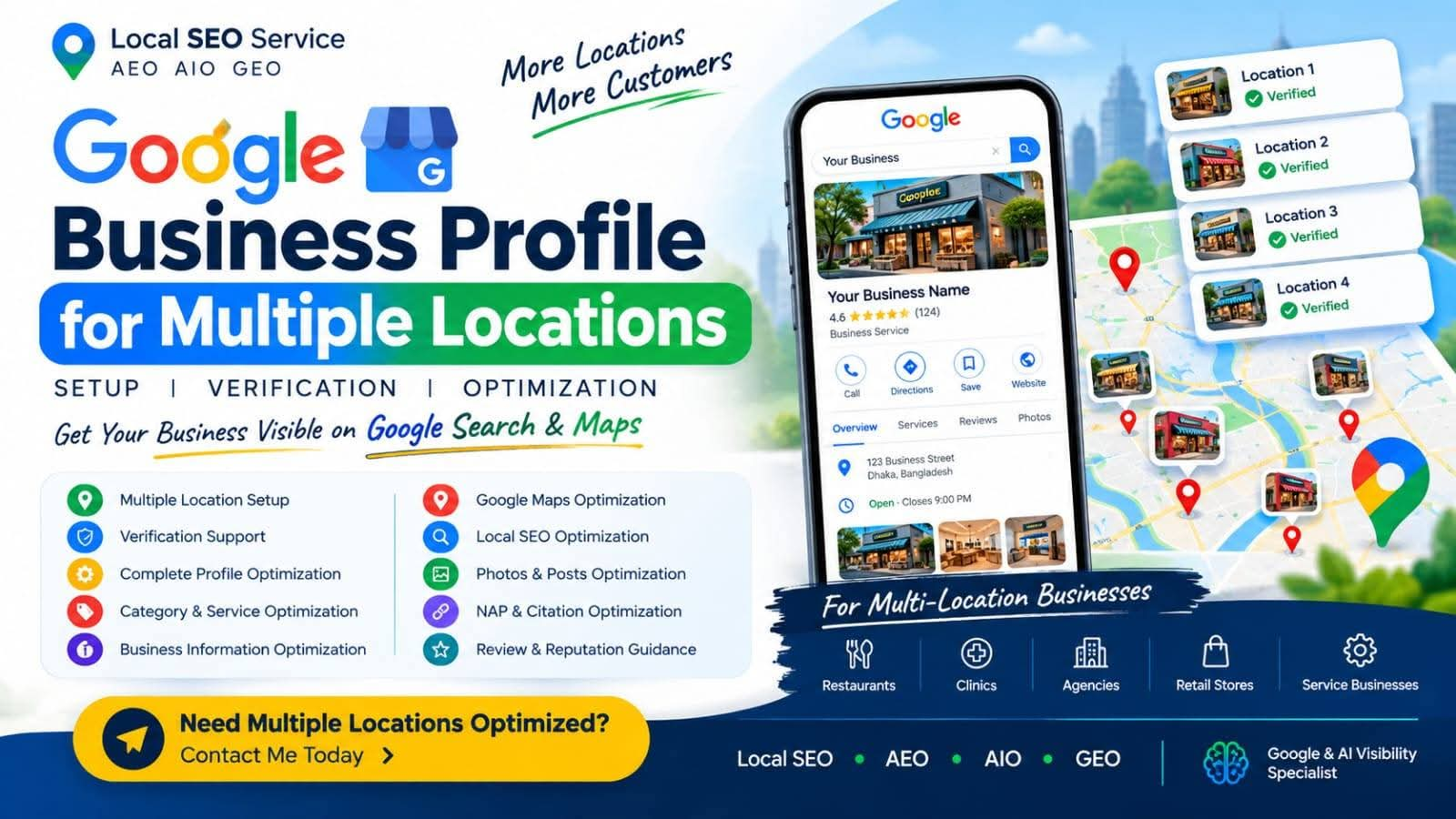
Google Business Profile is the free listing Google shows when someone searches for a business by name, or for a service nearby. Google Business Profile optimization is the work of completing, improving and keeping that listing up to date — so the business appears on Google Search and Google Maps, with the right information, photos and reviews.
For a business with more than one location, the stakes are higher: every location needs its own profile, with its own address, hours, phone number and reviews. One sloppy listing can send customers to the wrong address — or to a competitor. This guide explains what Google Business Profile optimization is, why it matters for Maps and "near me" searches, how to set up multiple locations properly, and the five practical steps that matter most.
Google Business Profile optimization does not require a website redesign or a big budget. It needs accuracy, consistency and a weekly habit. The businesses that win on Maps are usually the ones that keep their profiles complete and active — week after week.
Why It Matters
Why Google Business Profile Optimization Matters for Maps and "Near Me" Searches
When someone searches on Google for a service near them, the first thing they see is local: the Map Pack, local organic results, and — for a named business — its profile. That profile is the shop window, and Google Business Profile optimization is how it is kept clean.
- The Map Pack. The three local businesses at the top of the results, with a map, star ratings and directions. Google Business Profile optimization is what gets a business into that box.
- "Near me" searches. When a customer searches "near me", Google uses their location and shows the closest relevant profiles first — and only profiles that are complete and accurate.
- Trust at a glance. A complete profile with photos, reviews and up-to-date hours is the first impression most customers get. An empty profile looks closed, even when it is not.
- It is free. A Google Business Profile is free to create, free to update and free to appear in Maps. The cost is the time it takes to keep it right.
Our Google Business Profile optimization service covers all of this — one location or many — and it is also the foundation of our local SEO services.
Multi-Location
How Multi-Location Setup Works
A business with several branches is not one listing — it is one listing per location, each with its own details. Google Business Profile optimization for multi-location businesses starts with getting this structure right.
- One profile per physical location. Each branch, shop or clinic needs its own Google Business Profile with its own address and phone number. A single profile cannot serve two addresses.
- Same business name, different location. The name should be the real business name at every location. The address carries the location — not extra keywords added to the name.
- One manager, many locations. Google lets one account manage all locations as a location group. That makes updates, photos and review replies far easier than logging into each profile separately.
- NAP consistency. The name, address and phone number for each location must match the website and every directory exactly. This is the part multi-location businesses get wrong most often.
- Reviews belong to the location. A review left for one branch appears on that branch’s profile, not on another’s. Each location builds its own star rating over time.
If locations share a phone number or a website, say so clearly on each profile, and give each location its own page on the website, linked from your local SEO services pages. Google checks that the profile, the website and the map all agree.
5 Practical Steps
5 Practical Google Business Profile Steps
Set up one complete profile per location
Every location gets its own profile: the right primary category, all services, opening hours, attributes, website link and service areas. A half-finished profile is the most common reason a location does not appear in Maps.
Fix your name, address and phone everywhere
Your name, address and phone number — your NAP — must match exactly on the website, on every profile and in every directory, for every location. Even small differences confuse Google and weaken local rankings.
Choose the right categories and services
Pick the most accurate primary category for each location, add sensible secondary categories, and list your services with clear descriptions. Google uses categories to decide which searches a profile can appear for.
Ask for reviews — and reply to them
Ask customers after a good visit or job, make it easy with a direct review link, and reply to every review for that location. Reviews shape the star rating customers see first, and they are a Map Pack ranking signal.
Post photos and updates every week
Add real photos of each location, its team, its work and its products, and publish a Google Post every week — an offer, news or a seasonal service. An active profile looks trustworthy to customers and to Google.
Cost
What Does Google Business Profile Optimization Cost?
A single Google Business Profile is free to create, and a business can optimize it alone with time and care. A done-for-you service costs more because it covers photos, posts, review replies and reporting for every location, every week.
Our GBP packages start at $25 for the Basic package, $70 Standard, and $150 Premium — per location, or as a bundle for several locations. Our wider site packages are $55 Basic, $145 Standard, and $215 Premium monthly SEO. See the full pricing page, or contact us for a quote for your number of locations.
FAQ
Frequently Asked Questions
What is Google Business Profile optimization in simple words? +
It is the work of completing and improving a business’s free Google listing — its name, address, hours, photos, services, reviews and posts — so Google shows it on Search and Google Maps, and customers choose it.
Can one Google Business Profile cover several locations? +
No. Each physical location needs its own profile, with its own address, phone number, hours and reviews. One Google account can manage all of them as a location group, which keeps updates simple.
How long does GBP optimization take to show results? +
There is no fixed timeline, and no provider can guarantee a position or a date. A complete, active profile with steady reviews and photos usually shows improvement over weeks and months — not overnight.
How much does Google Business Profile optimization cost? +
The profile itself is free. Our done-for-you GBP packages start at $25 Basic, $70 Standard, and $150 Premium. A free audit is the best first step to see what each location needs — see our pricing page.
Start With a Free Audit
Not sure how your locations appear on Google Maps and in "near me" searches? Run our free audit, or contact us and ask for a free manual audit. We will look at every profile, your website and your local rankings, and tell you honestly what needs fixing — and what does not.
Prefer to talk? Call +8801774241270
Leave a Reply